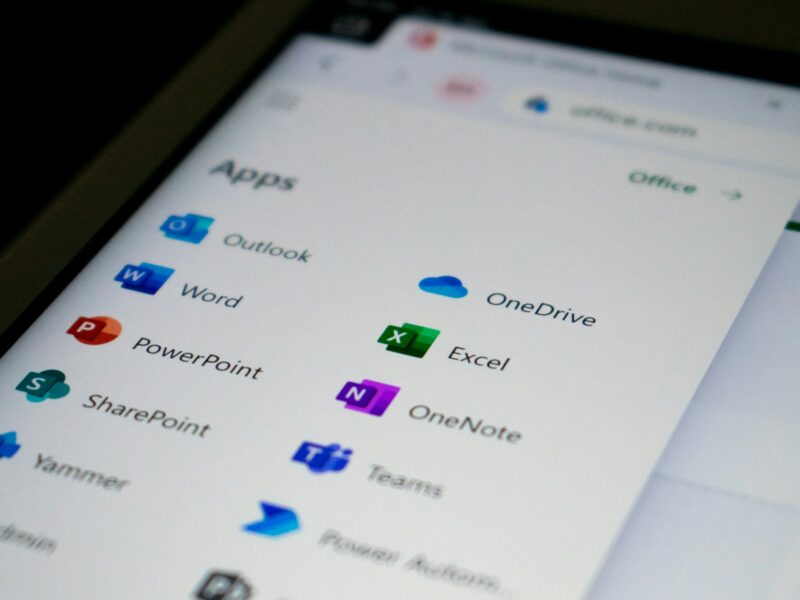
What Microsoft 365 protects, and what it leaves to you
Microsoft protects the platform. Everything about how your business uses it - who signs in, your devices, your data - stays yours.
Read more
Stolen passwords, sneaky phishing, someone quietly logging into your accounts – spotted the moment it happens, often shut down on the spot, and flagged to you straight away. Solid protection, watched round the clock by real people.
Your Microsoft 365 accounts are the keys to your business – your email, your files, your conversations with clients. If someone gets in, they don’t smash the door. They log in quietly with a password that shouldn’t be theirs, and they wait.
It happens more than most owners realise. A convincing phishing email, a password reused from somewhere else, and suddenly a stranger is reading your mail and sending invoices in your name. The first you know of it is when a client asks why your bank details changed.
You don’t need a full IT department to stay protected. You just need someone watching the door.
Microsoft covers some of this and leaves the rest to you. What Microsoft 365 protects draws the line, and does Microsoft back up your data? answers the one people get wrong.
Your Microsoft 365 logins are watched for signs of a break-in – a login from the wrong side of the world, a sudden change to security settings.
A security team reviews anything that looks wrong there and then, day or night, so a genuine account takeover is taken seriously.
Many account takeovers are shut down automatically the moment they’re spotted, and anything that can’t be is flagged to you immediately.
The instant something’s found, you hear who tried to get in and what it means for you – no jargon, just a clear heads-up so you can decide what to do.
Here’s exactly what happens. A compromised account is locked down automatically where it can be, and flagged to you immediately where it can’t – so a break-in never goes unnoticed. We tell you what we’ve found in plain English.
Keep the intruders out of your email and accounts, watched round the clock by people who’ve got your back.
"*" indicates required fields